
AI Chatbots for Local Businesses: Capture Leads 24/7

Local businesses lose leads for one simple reason: customers don’t wait.
If someone visits your website at 9:30pm and can’t get an answer, they’ll message a competitor, check reviews, and move on. An AI chatbot helps you stay responsive without adding payroll.
This guide breaks down what an AI chatbot should do for a local business, where to place it, and how to launch it the right way.
What an AI Chatbot Can Do (Beyond “Hi, how can I help?”)
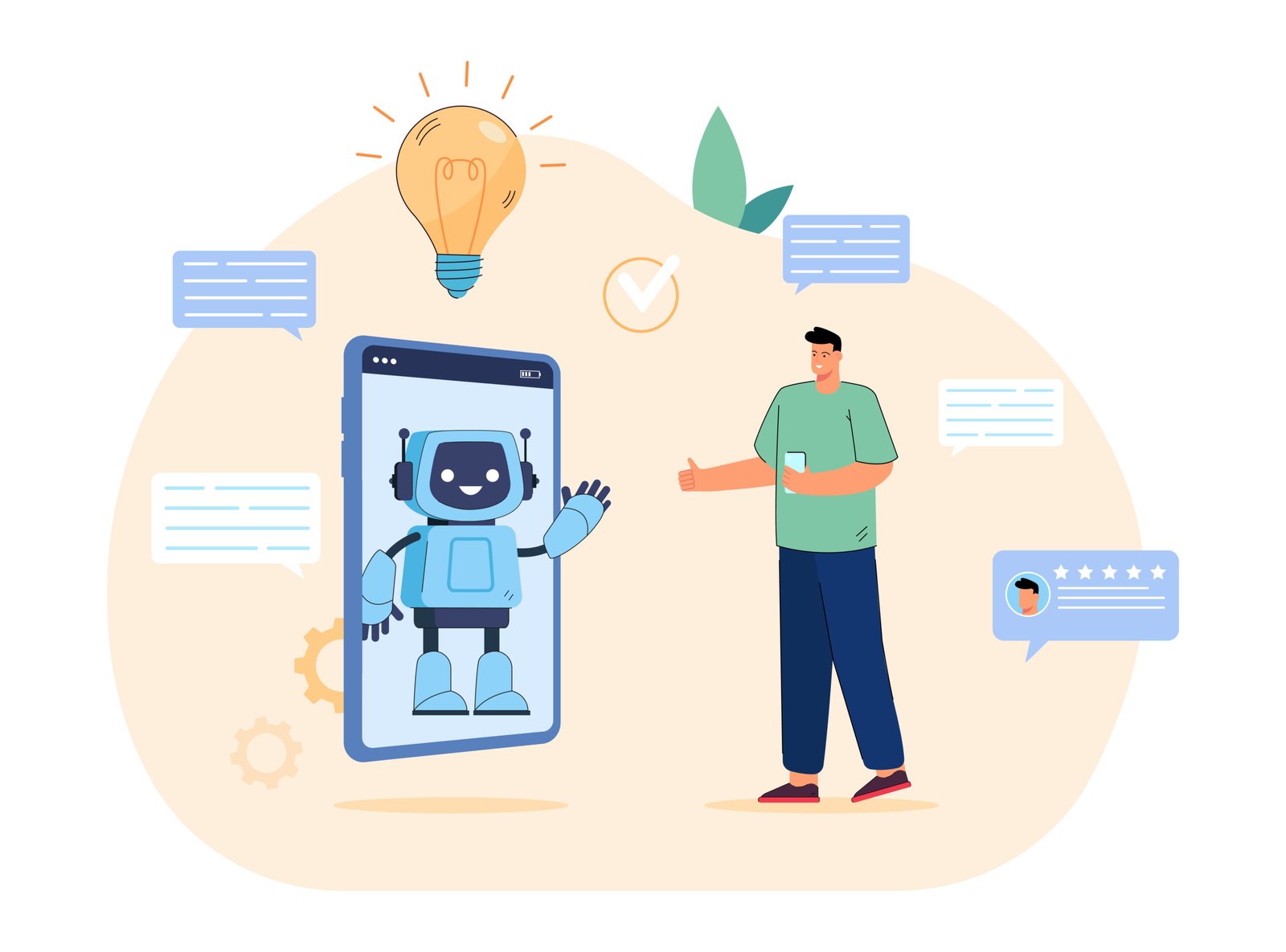
A business chatbot isn’t just a popup. When built properly, it becomes a mini sales/support assistant that can:
- Answer FAQs instantly (pricing ranges, availability, location, service areas)
- Capture leads (name, phone, email, service needed)
- Qualify customers (budget, timeline, location, urgency)
- Route conversations (sales vs support vs billing)
- Book appointments (or request a callback)
- Hand off to a human when needed (during business hours)
Best Use Cases for Local Businesses
AI chatbots work especially well for:
- Clinics, dental, wellness, salons (appointments + questions)
- Home services (plumbing, HVAC, cleaning) (quote requests + scheduling)
- Gyms, coaches (trial booking + plan info)
- Real estate (lead capture + property questions)
- Restaurants/cafes (hours, menu, reservations, directions)
What to Put in the Chatbot (The “High-Converting” Flow)
A chatbot should guide visitors to a next step. A simple flow:
- Greeting + intent options
Example: “What can I help you with today?”- Get pricing
- Book appointment
- Ask a question
- Talk to a human
- Lead capture at the right moment (not instantly)
Ask for contact details after the visitor shows intent.
Example: “What service do you need and what’s the best number to reach you?” - Qualification questions (2–4 max)
- Your area / location
- Preferred day/time
- Type of service
- Urgency
- Clear CTA
- “Book now”
- “Request callback”
- “Get a quote”
Where to Deploy It
Most local businesses should deploy the chatbot on:
- Homepage (general inquiries)
- Service pages (high-intent visitors)
- Contact page (people ready to reach out)
- Pricing page (questions + conversions)
Optional (but powerful):
- Instagram DMs
- Facebook Messenger
Integrations That Make It Actually Useful
To turn chats into revenue, integrate with:
- CRM (leads stored automatically)
- Google Sheets (simple lead log)
- Email/SMS notifications (instant alerts)
- Calendar booking (appointments)
- Analytics (track conversions + top questions)
What to Measure (So You Know It’s Working)
Track these basics weekly:
- Total conversations
- Leads captured (phone/email)
- Qualified leads (fit your service area/budget)
- Appointment requests
- Top 10 questions asked
- Response satisfaction (simple thumbs up/down)
7-Point Chatbot Launch Checklist
Before you publish:
- Your business hours + service area are correct
- Pricing guidance is realistic (avoid exact quotes if pricing varies)
- Lead form fields are minimal (don’t ask 10 questions)
- Human handoff is clear (“Leave your number” / “Call now”)
- Notifications are working (email/SMS)
- CRM/Sheet is capturing leads correctly
- The chatbot matches your tone (friendly, direct, professional)
Final Take
A chatbot isn’t about replacing humans it’s about never missing a lead and making it easy for customers to take the next step.
If you want a chatbot that captures leads, qualifies customers, and supports your team you approve the strategy, and we handle the setup, training, and optimization.